
Kategorien anzeigen

Verwenden Sie die Multi-Capture-Funktion für dynamische Oberflächenspannung?

< 1 Minute Lesezeit

How to Use Multi-Capture Feature for Dynamic Surface Tension Measurement?

  1. Tippen Sie beim Öffnen der Kamera auf das MULTI-Symbol in der oberen rechten Ecke des Bildschirms.
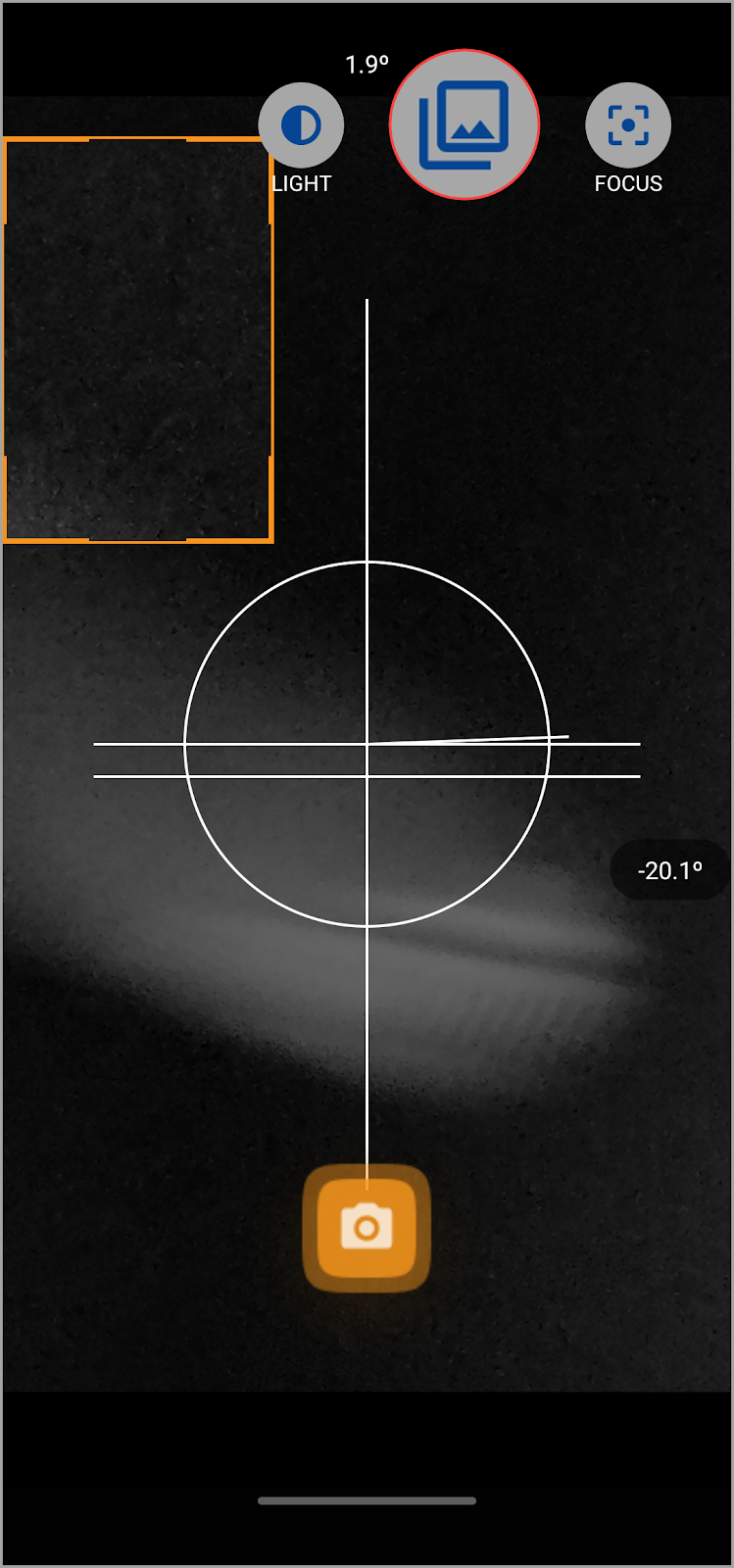
NG38Q Hx9XqZ KCK3C QysZSNhfx ZuYjL6d7RCHW7MDpW73slL8iRR7UcR0 SRKy FIrvKCr1rtAWPzSdo3ffQuiom3l61s T26QpTrgRLvedtG0czMBp0QPIe EkHgm YEWBTIeWhAsz3
  1. Daraufhin wird das Popup Multiple Image Capture geöffnet. Verwenden Sie hier das Feld Zu erfassende Bilder, um die Anzahl der Bilder zu definieren, die Sie aufnehmen möchten.
NG38Q Hx9XqZ KCK3C QysZSNhfx ZuYjL6d7RCHW7MDpW73slL8iRR7UcR0 SRKy FIrvKCr1rtAWPzSdo3ffQuiom3l61s T26QpTrgRLvedtG0czMBp0QPIe EkHgm YEWBTIeWhAsz3
  1. Geben Sie die Dauer für Erfassung(en) im Feld Dauer der Erfassung(en) ein.
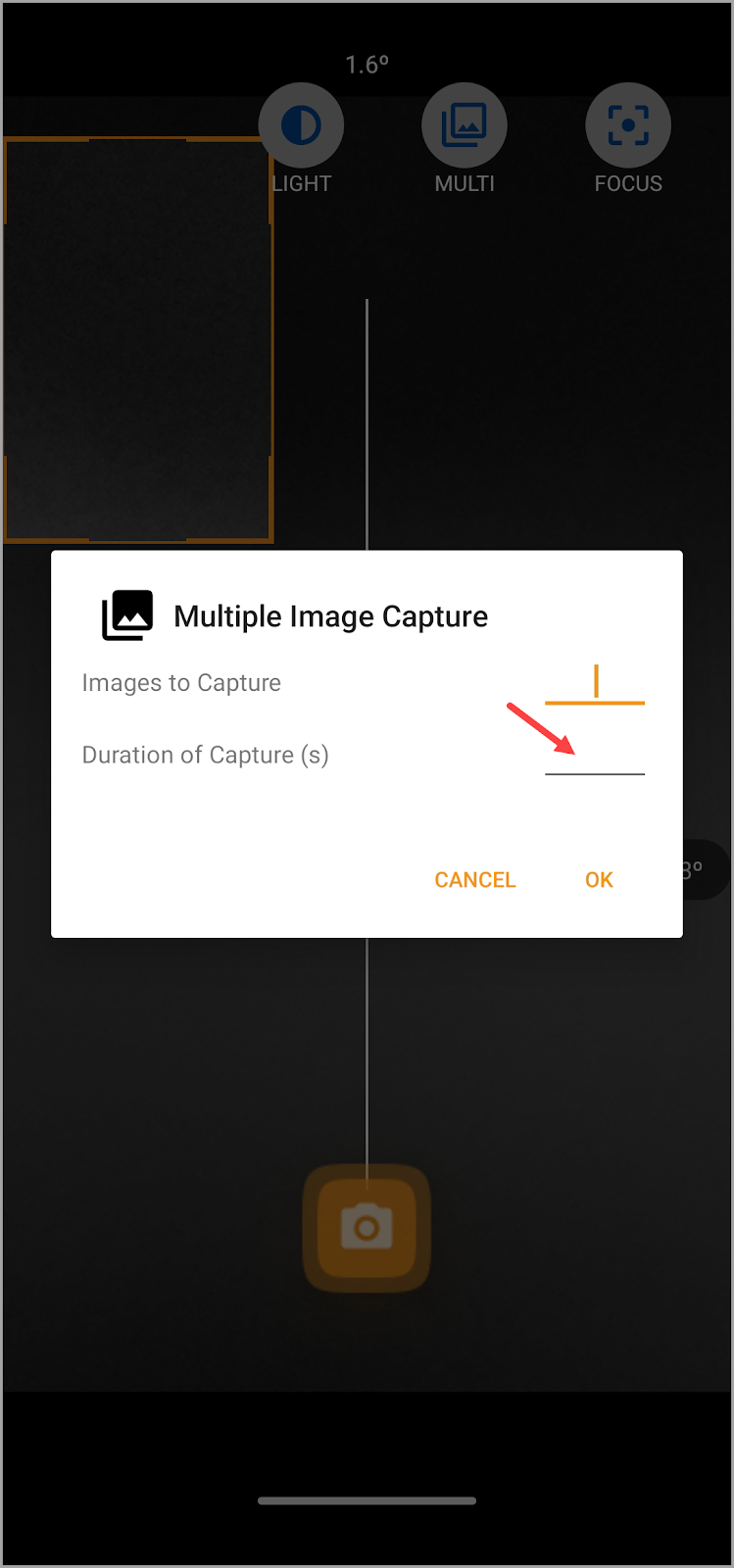
NG38Q Hx9XqZ KCK3C QysZSNhfx ZuYjL6d7RCHW7MDpW73slL8iRR7UcR0 SRKy FIrvKCr1rtAWPzSdo3ffQuiom3l61s T26QpTrgRLvedtG0czMBp0QPIe EkHgm YEWBTIeWhAsz3
  1. Sobald Sie die erforderlichen Informationen ausgefüllt haben, tippen Sie auf die Schaltfläche OK.
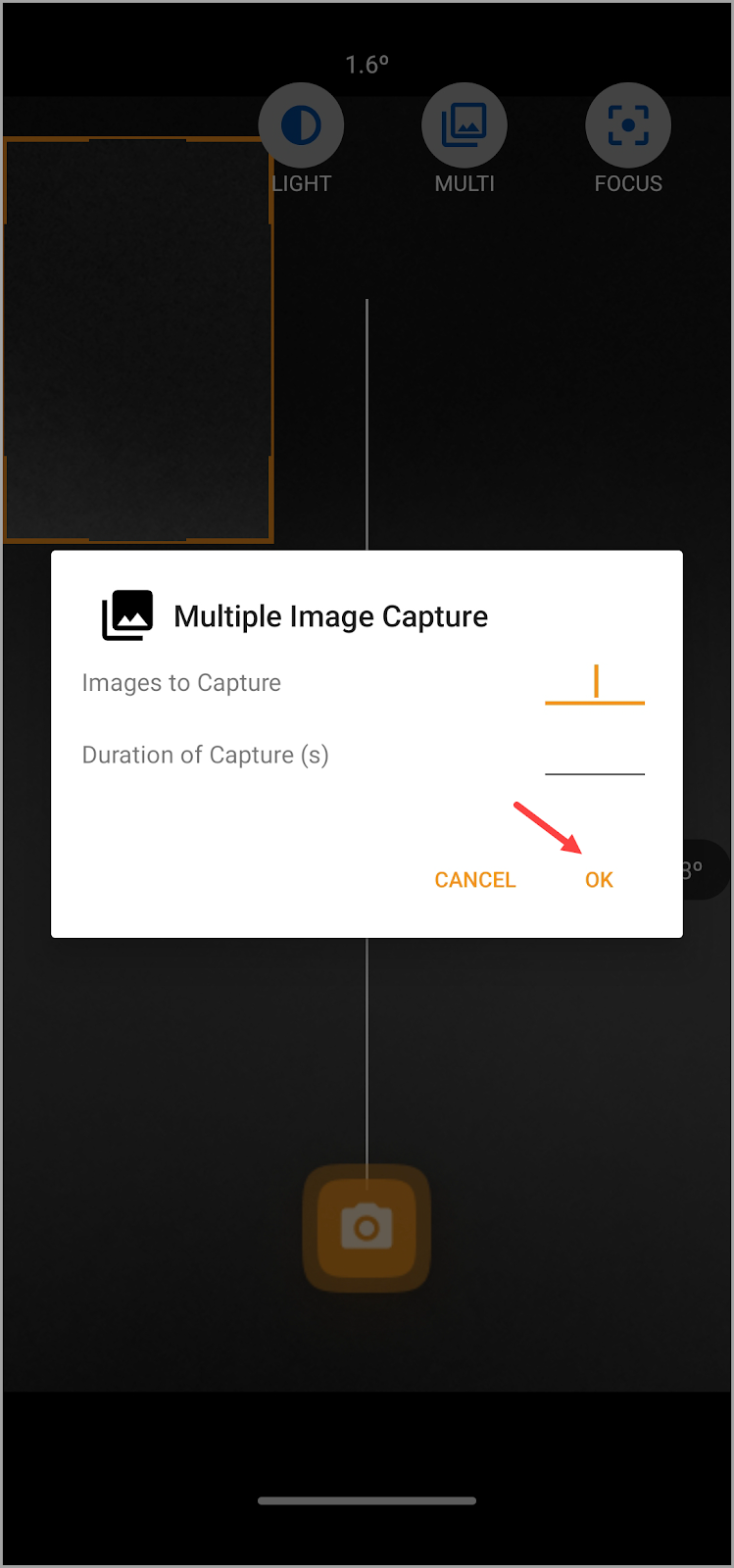
NG38Q Hx9XqZ KCK3C QysZSNhfx ZuYjL6d7RCHW7MDpW73slL8iRR7UcR0 SRKy FIrvKCr1rtAWPzSdo3ffQuiom3l61s T26QpTrgRLvedtG0czMBp0QPIe EkHgm YEWBTIeWhAsz3
  1. Once this is done, tap the Capture button to start capturing the droplet. Generate the droplet slowly and capture right before the image leaves the needle.
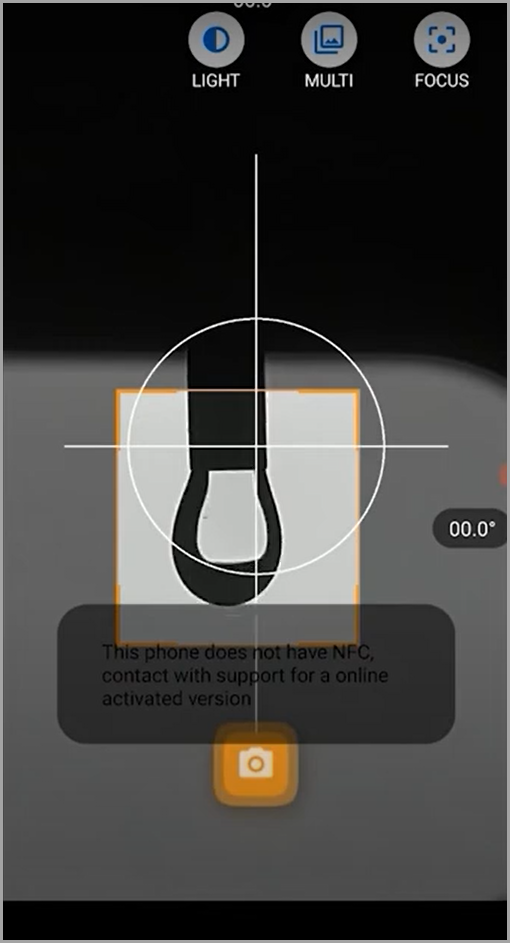
NG38Q Hx9XqZ KCK3C QysZSNhfx ZuYjL6d7RCHW7MDpW73slL8iRR7UcR0 SRKy FIrvKCr1rtAWPzSdo3ffQuiom3l61s T26QpTrgRLvedtG0czMBp0QPIe EkHgm YEWBTIeWhAsz3
  1. Go to one of the captured images in order to perform the calculation process including calibrations.
NG38Q Hx9XqZ KCK3C QysZSNhfx ZuYjL6d7RCHW7MDpW73slL8iRR7UcR0 SRKy FIrvKCr1rtAWPzSdo3ffQuiom3l61s T26QpTrgRLvedtG0czMBp0QPIe EkHgm YEWBTIeWhAsz3
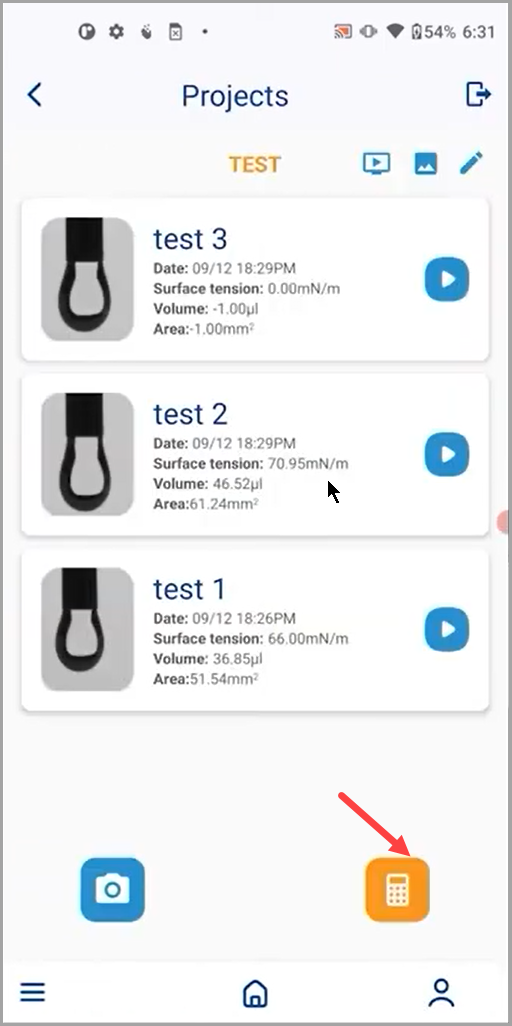
  1. After that, go back to the Project screen and tap the Calculate All button. This processes all the images captured in the specified timeframe.
NG38Q Hx9XqZ KCK3C QysZSNhfx ZuYjL6d7RCHW7MDpW73slL8iRR7UcR0 SRKy FIrvKCr1rtAWPzSdo3ffQuiom3l61s T26QpTrgRLvedtG0czMBp0QPIe EkHgm YEWBTIeWhAsz3