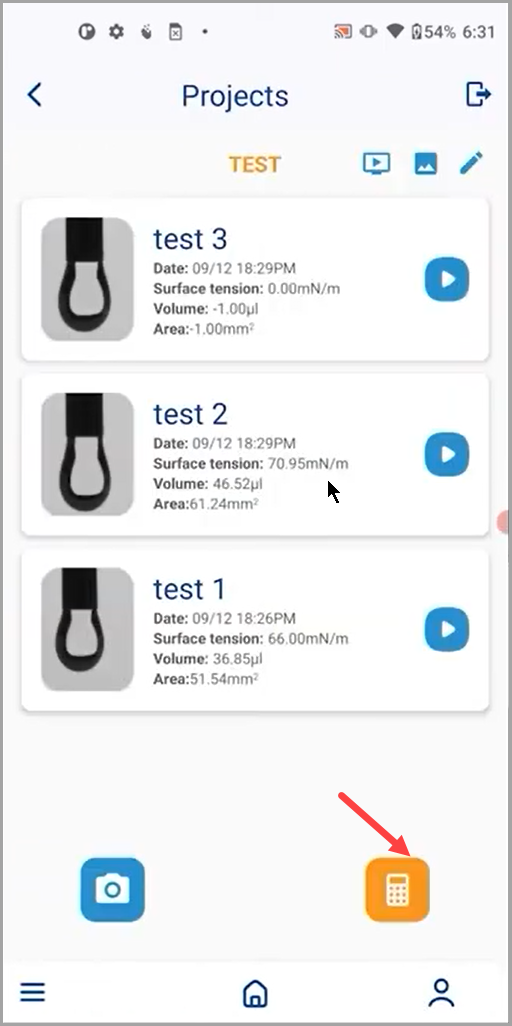
How to Use Multi-Capture Feature for Dynamic Surface Tension Measurement?
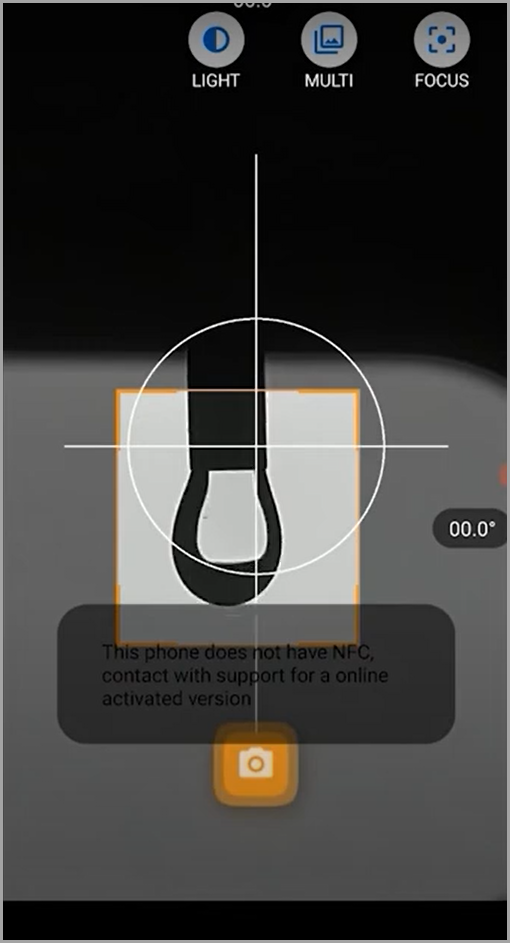
- Tippen Sie beim Öffnen der Kamera auf das MULTI-Symbol in der oberen rechten Ecke des Bildschirms.
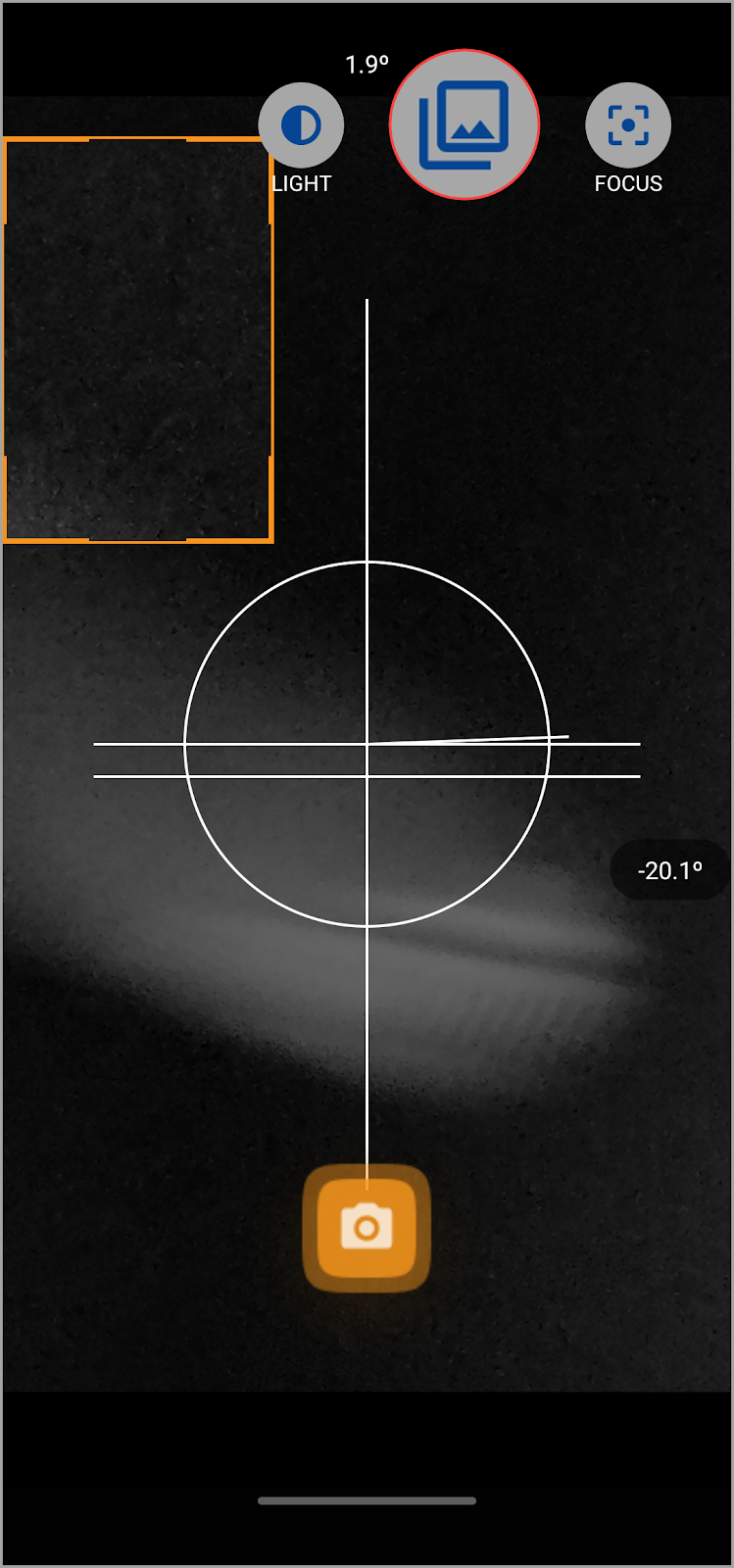
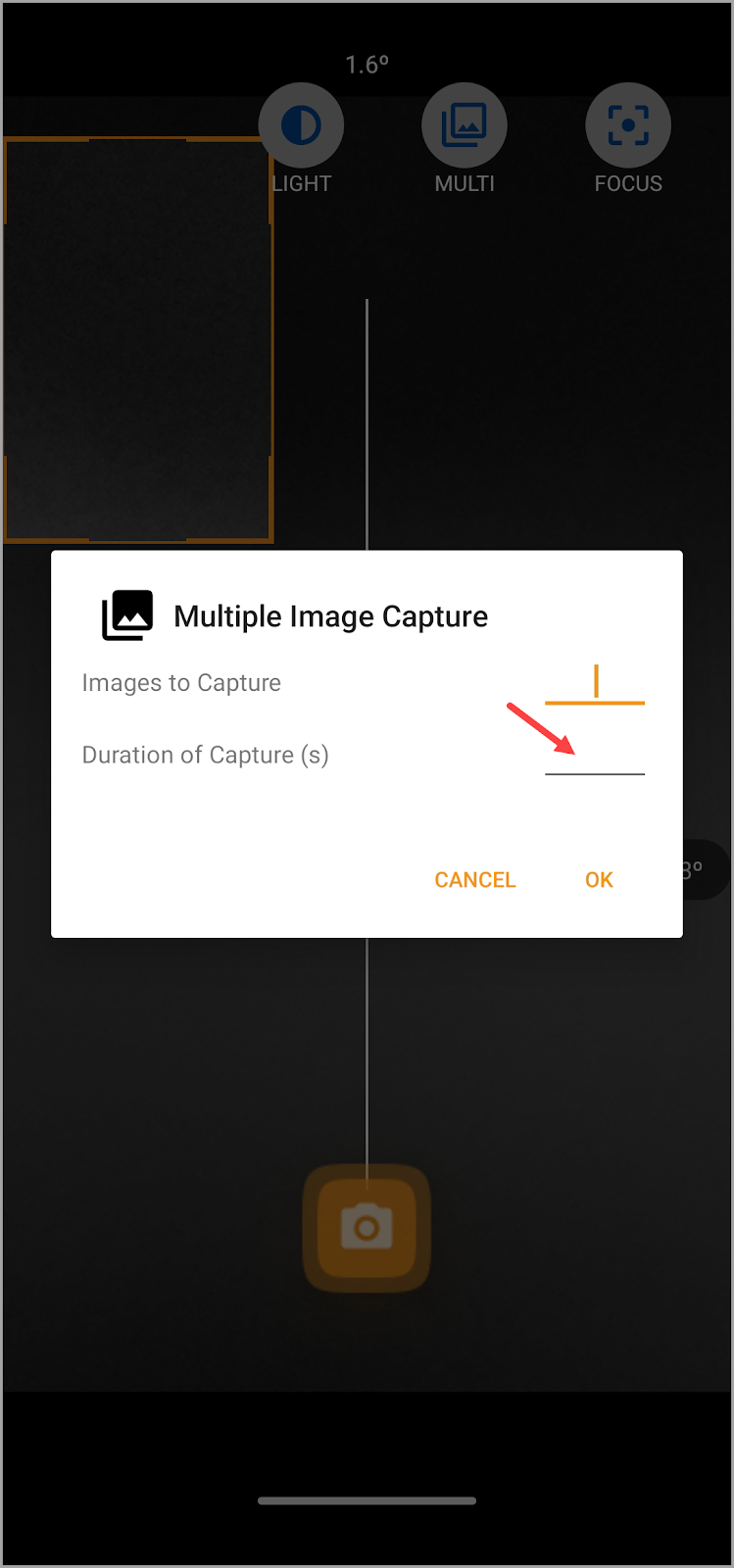
- Daraufhin wird das Popup Multiple Image Capture geöffnet. Verwenden Sie hier das Feld Zu erfassende Bilder, um die Anzahl der Bilder zu definieren, die Sie aufnehmen möchten.

- Geben Sie die Dauer für Erfassung(en) im Feld Dauer der Erfassung(en) ein.
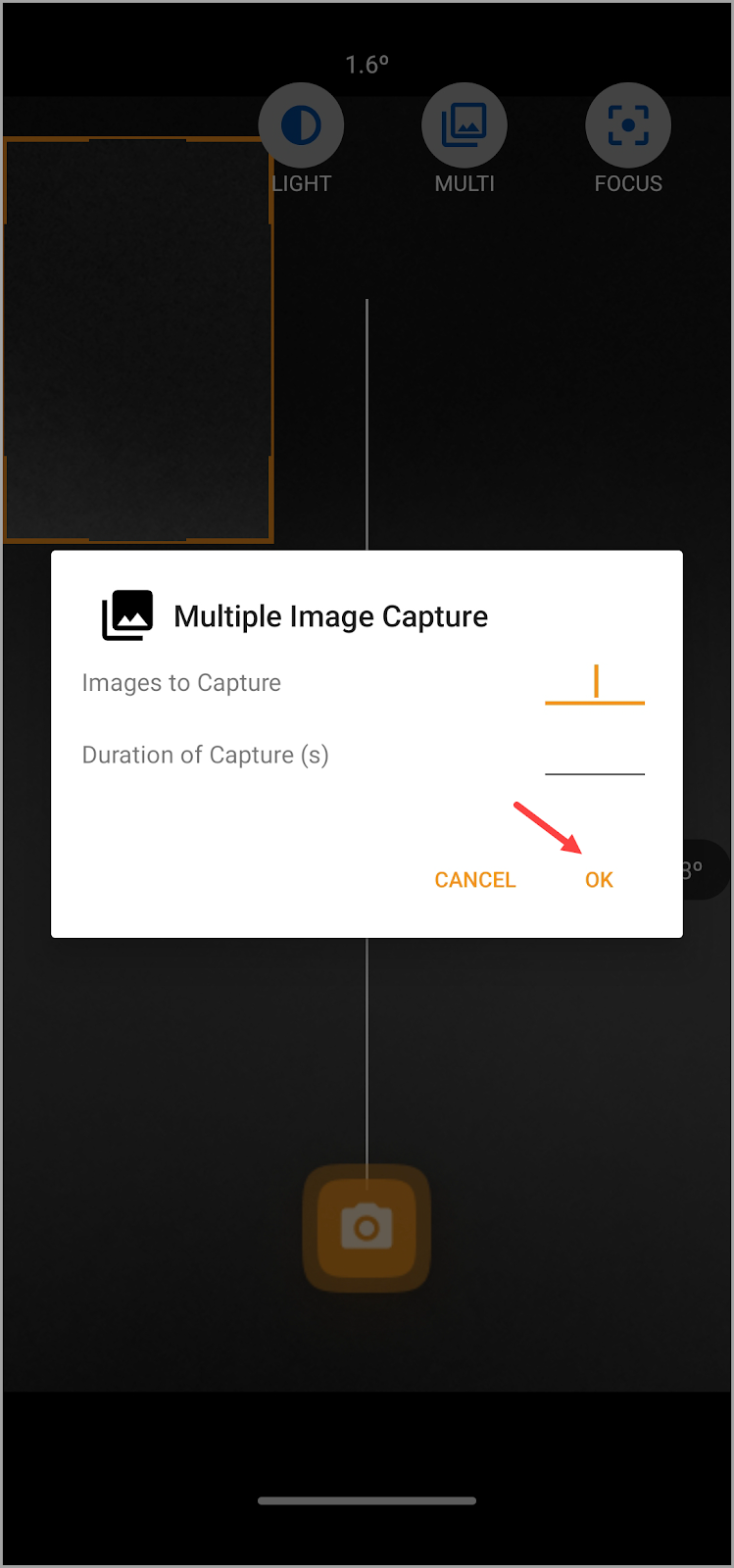
- Sobald Sie die erforderlichen Informationen ausgefüllt haben, tippen Sie auf die Schaltfläche OK.
- Once this is done, tap the Capture button to start capturing the droplet. Generate the droplet slowly and capture right before the image leaves the needle.
- Go to one of the captured images in order to perform the calculation process including calibrations.

- After that, go back to the Project screen and tap the Calculate All button. This processes all the images captured in the specified timeframe.